
There are two ways to view devotional entries for past or future dates.
First, using your touchscreen, swipe your finger to the left to view entries for future dates, and to the right to view past entries. This method works best if you are looking for recent entries or just want to read through a few devotionals at a time.
If you would like to view entries further in the past or future, or know the date you're wanting to find, tap the search button at the top of the screen.
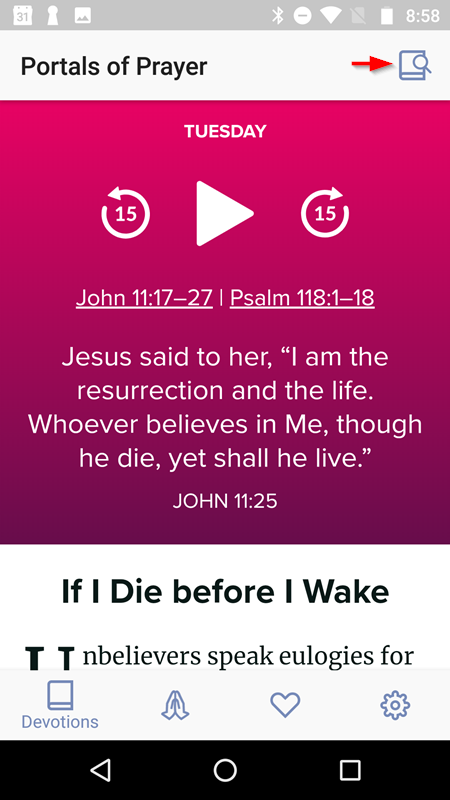
This action will bring up a view where you can see each quarter of the current and previous years. Tap on the quarter you want to view, and you can tap on if you want see devotions or resources, and then, which month you want to view. You can then scroll through the dates of the selected month and once you've found the item you want, tap it to view it.
